
Create a professional page for bookkeepers
Keep all your links and content organized on a single page.
Free forever · No credit card · 2 min setup
Easy Content Updates
Edit your page anytime and keep your links and content up to date.
Build a Stronger Identity
Create a professional online presence that helps people remember and trust your brand.
Quick Launch
Create and publish your page in just a few minutes.
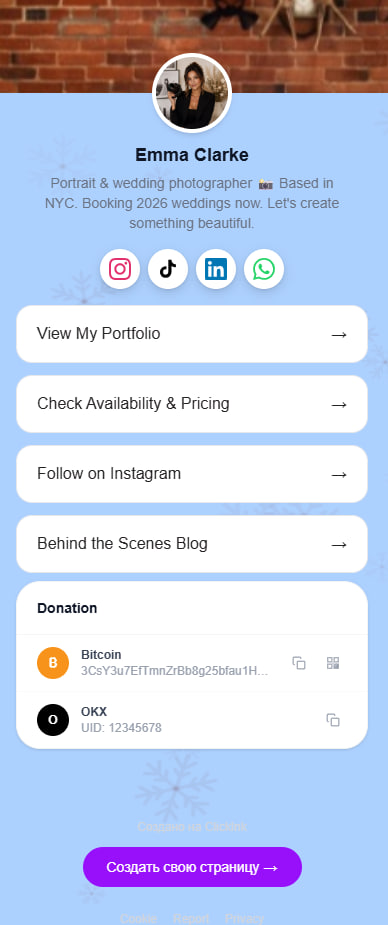
Increase Appointment Requests
Increase inquiries and bookings with a page designed to drive action.
Get More Clients
Turn more visitors into customers by giving them one place to explore your business.
Build a Stronger Identity
Stand out from competitors with a page that reflects your unique identity.
All Your Links
Bring together all your important links without worrying about limits.
Personalized Design
Choose colors, layouts, and styles that match your brand.
Service Catalog
Present your offers in a clear format with pricing and details.
Content Organization
Organize content into clear sections for a better user experience.
Profile Customization
Personalize your profile to reflect your unique identity.
Visual Backgrounds
Enhance your page with backgrounds, gradients, and visual effects.
Create your page
Sign up free in 2 minutes. No credit card needed.
Add your content
Links, social profiles, portfolio, services — all in one place.
Share your link
Put it in your bio and let your audience find everything.
Can I disable a link without deleting it?
Links can be disabled at any time and restored later with a single click, allowing you to manage seasonal or temporary content easily.
How many links can I add to my page?
On the free plan, you can add up to 5 links and several social profiles. The paid plan removes most limitations.
Can I add links to messaging apps?
Links to WhatsApp, Telegram, and other popular communication channels are fully supported.
Can I add an FAQ section to my page?
Yes, there is no limit to the number of questions and answers you can add to the FAQ section.
Can I use Click.ink in my TikTok profile?
Your page link can be added to your TikTok profile and other social media platforms.
How can I share my page with others?
Your page can be shared using either a direct URL or a QR code.
How do I get started with Click.ink?
Getting started is easy — simply sign up and add your first links.
How quickly can I create a page?
Most users launch their page in less than five minutes.
Ready to stand out?
Join thousands of creators already using Click.ink
Get started freeFree forever · No credit card · 2 min setup