
The complete link in bio for developers
Create a beautiful landing page for your links, content, portfolio and social media profiles.
Free forever · No credit card · 2 min setup
Display Your Best Work
Showcase your projects, products, and achievements in a visually appealing way.
Easy Content Updates
Update links, content and information whenever you need without limits.
Grow Your Audience
Bring all your content together and make it easier for people to discover everything you create.
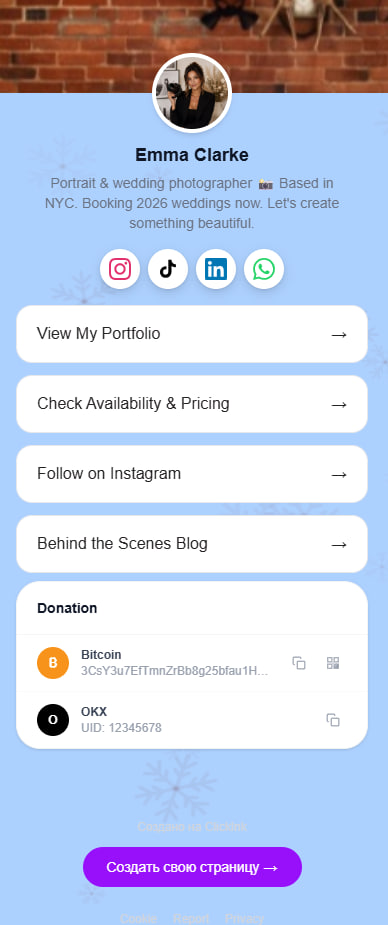
Increase Appointment Requests
Increase inquiries and bookings with a page designed to drive action.
Sell Digital Products
Sell downloadable products, memberships and online content from one page.
Unlimited Updates
Edit your page anytime and keep your links and content up to date.
Performance Analytics
Track page visits and link clicks with built-in analytics.
Content Organization
Organize content into clear sections for a better user experience.
Button Customization
Experiment with different button designs to improve engagement.
All Your Links
Bring together all your important links without worrying about limits.
Contact Buttons
Make it easy for visitors to contact you with one tap.
FAQ Section
Answer common questions directly on your page.
Create your page
Sign up free in 2 minutes. No credit card needed.
Add your content
Links, social profiles, portfolio, services — all in one place.
Share your link
Put it in your bio and let your audience find everything.
How do I get started with Click.ink?
Getting started is easy — simply sign up and add your first links.
How can businesses use Click.ink?
Click.ink works great as a digital business card for clients, partners, and potential customers.
Are there any limits on page visitors?
There are no visitor limits, regardless of the size of your audience.
Does the page work well on smartphones?
The service was built with mobile users in mind and works perfectly across all devices.
Can I track clicks on my links?
Each link includes click tracking and performance statistics.
What is included in the free plan?
Even the free plan provides everything needed to create and run a professional page.
How long does it take to create a page?
Most users launch their page in less than five minutes.
How much can I customize the appearance of my page?
Yes, you can customize the appearance of your page to match your style and brand.
Ready to stand out?
Join thousands of creators already using Click.ink
Get started freeFree forever · No credit card · 2 min setup