Link in Bio for Freelancers: One Link That Works Like a Business Card
A freelancer's bio link is the first thing a client judges you by
You don't always get a second chance to make a useful first impression. When a potential client finds you on Instagram, LinkedIn, or Twitter and clicks your bio link, they're making a decision in seconds. Either the page tells them what they need to know — what you do, what your work looks like, how to reach you — or it doesn't. A cluttered page with mismatched buttons and a platform logo across the top doesn't make that decision easy. A clean, complete page does.
Most freelancers underestimate how much work that single link is doing. It's not just a collection of URLs. It's the answer to "who is this person and should I hire them?" — delivered before you've exchanged a single message. Getting it right matters more than most bio tools would have you believe.
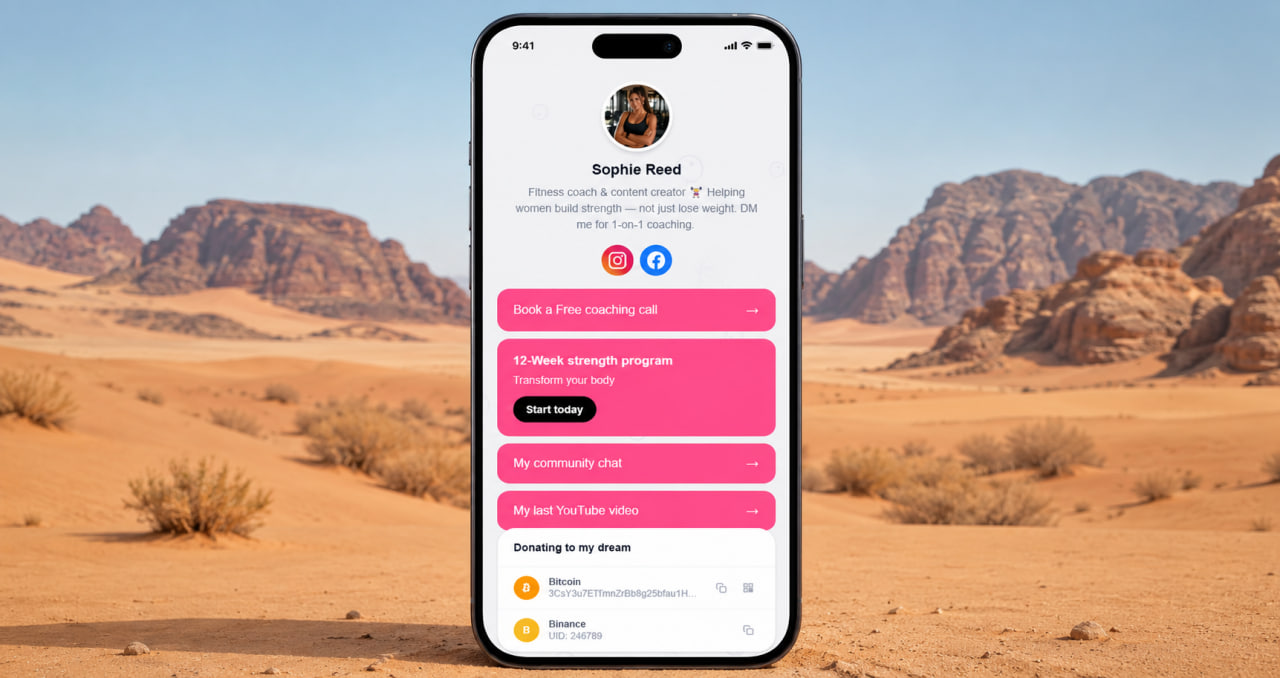
The page needs to work like a business card, not a personal website
Freelancers working across platforms — Behance, Dribbble, GitHub, LinkedIn, Upwork, a personal domain — face a specific problem. Sending a client to any one of those misses the others. Sending them to your website works if your website is well-maintained and fast. Most freelancer sites aren't. They're either outdated, too complicated, or just slow enough on mobile to lose people before they see anything.
A bio page solves this cleanly. One short URL collects everything: portfolio links, contact information, services offered, social profiles, testimonial links. The client clicks once and sees the full picture without navigating anywhere else. You put the same URL in your email signature, your Instagram, your Telegram, your business card. Nothing changes depending on context. The address stays the same and everything behind it stays current.
Having one address where everything is collected — links, contacts, portfolio, services — signals something before a single word is exchanged. It says this person has their work organized. That's not a small thing. Clients notice it. It makes working together feel easier before it even starts.
Create your link-in-bio page free
No credit card. No bland templates. Ready in 2 minutes.
Get started free →Portfolio first — everything else close behind
For most freelancers, the hierarchy is straightforward. Work samples first — that's what the client actually came to see. Contact information second, close enough to find without scrolling far. After that: services, pricing guidance, social proof. The page doesn't need to be long. It needs to be complete and easy to navigate on a phone, because that's where most people will see it for the first time.
ClickInk gives you control over the order and layout without requiring any design experience. You arrange links the way you want them, choose a background that fits your brand aesthetic, and end up with something that looks intentional. Not assembled in five minutes from a template — actually considered. That difference is visible to clients, even if they can't articulate exactly why one page feels more professional than another.
No platform branding. No ads between your links.
Some bio tools put their logo prominently on your page. Others show advertisements to your visitors. For a freelancer sending a client to that page, both of those things undercut the professional impression you're trying to make. The client isn't thinking about the tool — but the logo is still there, and the ad is still there, and the page feels less like yours than it should.
ClickInk doesn't do either. No advertising on user pages. No platform branding visible to your visitors. The free plan includes this. The reasoning is simple: if you're using a tool professionally, the tool shouldn't be promoting itself through your work. Your page should look like you built it, not like you borrowed someone else's platform for free and left their name on it.
ClickInk — your page, your brand, no watermarks
No link limits, no ads, no platform logo on your page. Free plan includes everything you need to look professional from day one.
Try free →One link that handles the full scope of a freelance practice
Freelancers often have more to show than a single portfolio site captures. A writer might have clips across a dozen publications. A developer might have GitHub repos, a personal site, a few case studies hosted separately, and a LinkedIn with recommendations. A designer has Behance, Dribbble, client work under NDA that lives on a protected page, and a contact form. None of this fits neatly into a basic link hub.
ClickInk has no link limit on any plan. Add everything you need to add. Organize it the way a client would want to navigate it. Update it when you take on new work or change your focus. The page stays current because you control it directly — no developer needed, no waiting for a website rebuild. The whole thing takes minutes to maintain, which matters when you're busy actually doing client work.
Works everywhere you work
Freelancing is increasingly international. Clients in different countries, platforms with different audiences, work that crosses time zones and languages. ClickInk supports 35 languages, which means the page behaves correctly regardless of where your audience is coming from. It's a small detail — but when your next client is in Germany or Japan or Brazil, a tool that handles their language properly is better than one that defaults to English and leaves everything else as an afterthought.
Set up takes under 10 minutes. The result is a page you'd be comfortable attaching to a cold outreach email without apologizing for how it looks. That's the standard worth aiming for.
Your page at click.ink/yourname
Free to start. No credit card. Works on Instagram, LinkedIn, and everywhere else.
Create your page now →