Milkshake App Alternative: When Mobile-Only Isn't Enough
A mobile-only tool makes a mobile-only page. Most creators need more than that.
Milkshake was built for phone-first creators who want something quick and visual. For a specific kind of user — someone who does everything on their phone and doesn't need much beyond a few links and a nice layout — it works. For everyone else, the limitations show quickly. No desktop editor. Limited language support. A feature set that covers the basics and stops there.
The creators who outgrow Milkshake aren't looking for something complicated. They're looking for something that works properly — on desktop when they're sitting at a computer, in the language of their audience, with gallery and services and FAQ when the page needs to do more than show links.
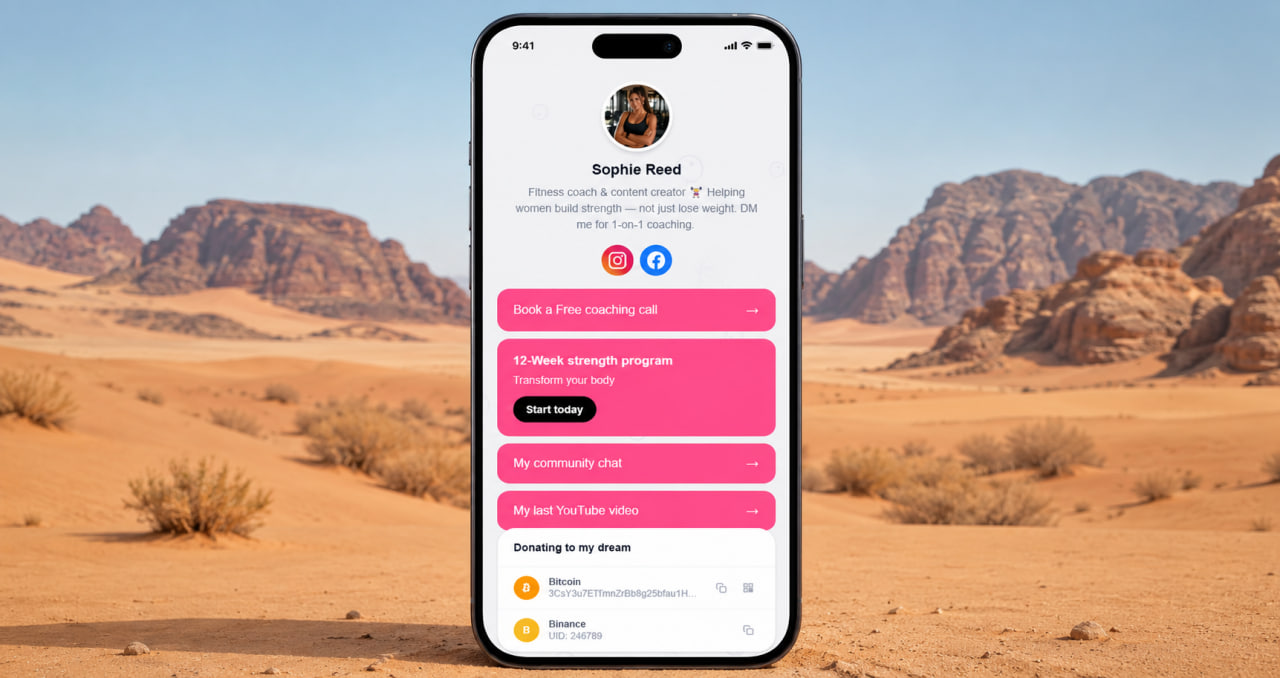
Desktop editing. 35 languages. The basics done properly.
ClickInk works on desktop and mobile — because not everyone builds their bio page on a phone, and the people who build on desktop shouldn't have to switch devices to do it. A proper editor on a full screen is faster, more accurate, and less frustrating than doing the same thing on a 6-inch display. Small detail, but it matters every time you update the page.
35 languages out of the box. If your audience is in Brazil, Mexico, Japan, or anywhere the primary language isn't English — your page works correctly for them without any extra configuration. Milkshake's language support is limited. For a creator building an international audience, that's not a minor gap. It's the difference between a page that feels local and one that feels foreign.
Try ClickInk free — desktop, mobile, 35 languages
Gallery, services, FAQ, analytics. No credit card. Works everywhere.
Get started free →90% of what creators need, none of what they don't
ClickInk doesn't try to be everything. It covers the features that matter to most creators — gallery, services, FAQ, products, crypto block, parallax backgrounds, analytics, 35 languages, no ads, no watermarks — and keeps the interface simple enough that anyone can use it in two minutes without a tutorial. The features that only 10% of users need don't clutter the experience for the 90% who don't. That's a deliberate choice, not a limitation.
Most creators who switch from Milkshake find they have everything they needed and a few things they didn't know they were missing — particularly the gallery and the FAQ. Those two blocks change what a bio page can do. They turn a link directory into an actual introduction. That difference is visible in the click rate and the conversion rate of every visitor who lands on the page.
ClickInk vs Milkshake — beyond mobile-only
Desktop editor, 35 languages, gallery, services, FAQ. Everything Milkshake covers and more. Free to start.
Try ClickInk free →Switch takes 10 minutes. The page gets better immediately.
You're not rebuilding from scratch — you're rebuilding from better. The links transfer. The design improves. The page gains a gallery, services, and FAQ that Milkshake doesn't offer. The editor works properly on desktop. The language support covers your international audience. No ads on the page. No platform branding. Free plan that's a real plan, not a mobile-only preview. ClickInk has no link limits, no watermarks, no credit card required. 35 languages. Start today and see what the page looks like when it was built for all the platforms you actually use.
Your page at click.ink/yourname
Free to start. No credit card. Works on desktop, mobile, and everywhere else.
Switch to ClickInk →