What Is a Link in Bio Page — And Why Every Creator Needs One
If you've spent more than five minutes on Instagram or TikTok, you've seen it: "link in bio." Creators say it in videos, write it in captions, pin it in comments. But what exactly is a link in bio page — and why does everyone seem to have one?
This guide breaks it all down. Whether you're just starting out or you've been creating content for years, understanding the link in bio concept could be one of the simplest things you do to grow your audience and make more money from your content.
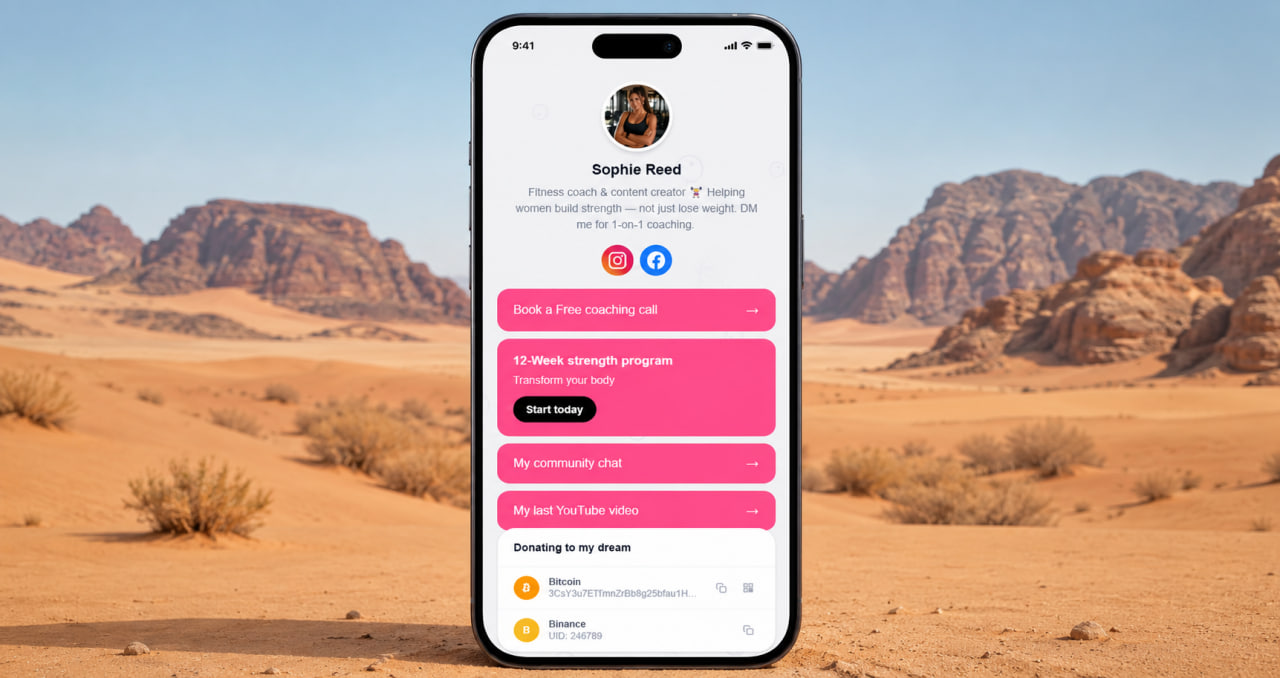
The Problem: Social Media Only Gives You One Link
Instagram, TikTok, and most other social platforms allow only one clickable link in your profile bio. One. That's it.
But as a creator, you have a lot more than one thing to share. You might have a YouTube channel, a newsletter, a product you're selling, a podcast, a Patreon, a course, a booking page — the list goes on. Trying to squeeze all of that into a single URL is impossible.
So creators came up with a solution: instead of linking directly to one thing, they link to a landing page that contains all of their links in one place. That page is what people call a "link in bio" page.
What Is a Link in Bio Page, Exactly?
A link in bio page is a simple mobile-friendly webpage that lives at a short, shareable URL — like click.ink/yourname. You put that URL in your Instagram bio, TikTok bio, YouTube description, or anywhere else you want people to find you.
When someone clicks it, they land on your page and see everything you want to share: your social profiles, your latest content, your products, your services, your donation links — all organized in one clean place.
Think of it as your personal homepage, but built specifically for mobile and optimized for the way people discover creators on social media.
Free forever
Your link in bio page in 2 minutes
Add all your links, customize the design, share one URL everywhere.
Start for free →Why Every Creator Needs One
1. You control where your audience goes
Social platforms change their algorithms constantly. Your reach can drop overnight. But your link in bio page? That's yours. You decide what's on it, what gets highlighted, and where people end up when they click.
2. You stop losing traffic
Every time you say "link in bio" in a video or caption, people actually go looking for it. If your bio link goes to just one thing — or worse, nothing relevant — you're losing that traffic. A well-designed link in bio page captures it.
3. You can promote multiple things at once
Launching a new product? Running a sale? Just dropped a new video? You can have all of these on your page simultaneously. Update it whenever you need to, without changing your bio link.
4. It makes you look professional
A creator with a clean, well-designed link page looks like they take their work seriously. It signals to brands, potential collaborators, and your audience that you're the real deal — not just someone posting casually.
5. It works for every platform
Instagram, TikTok, YouTube, Twitter/X, LinkedIn, Telegram, WhatsApp — every platform has a bio or description field where you can drop your link. One URL works everywhere.
What Should You Put on Your Link in Bio Page?
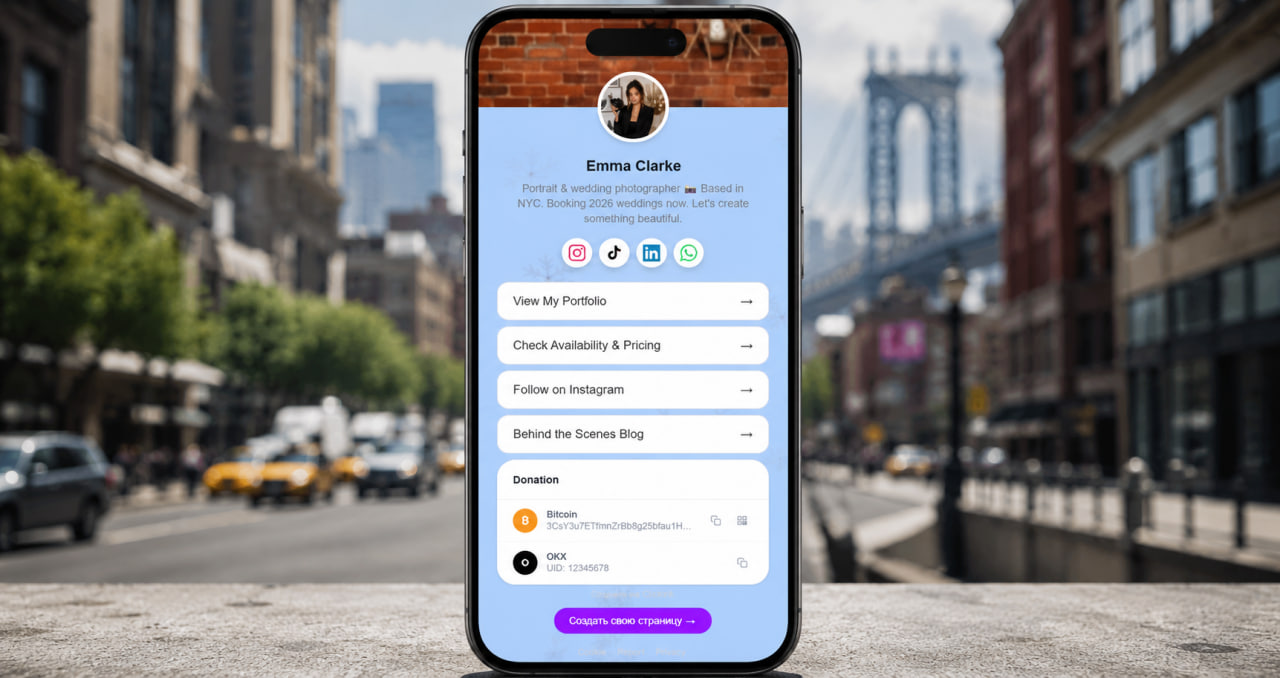
The answer depends on what you do — but here are the most common things creators include:
- Social media profiles — icons linking to all your platforms
- Latest content — your newest YouTube video, podcast episode, or blog post
- Products or services — courses, merch, coaching, presets, anything you sell
- Community links — Telegram group, Discord server, newsletter signup
- Booking or contact — for photographers, coaches, and freelancers
- Support links — Patreon, Buy Me a Coffee, crypto wallets for donations
Already using Linktree?
ClickInk does the same — but actually lets you customize
Backgrounds, patterns, icon styles, crypto wallets. Free plan included.
Switch to ClickInk →The key is to keep it focused. Don't add everything at once — pick the five to seven things that matter most to your audience right now, and lead with those.
Does the Design of Your Link Page Matter?
Yes — more than most people think.
Your link in bio page is often the first impression someone gets of you outside of social media. If it looks generic, rushed, or identical to a thousand other pages, people won't click through. If it looks like you — your colors, your vibe, your brand — they'll trust it and engage with it.
A good link in bio page should match your aesthetic. If you're a dark moody photographer, your page shouldn't look bright and bubbly. If you're a colorful lifestyle creator, your page should feel fun and vibrant. The design is part of the message.
How to Create Your Link in Bio Page
Creating a link in bio page takes about two minutes with the right tool. Here's the basic process:
- Sign up for a link in bio tool — free options are available
- Add your links — buttons, banners, social icons
- Customize the design — colors, background, photo
- Copy your URL — something like click.ink/yourname
- Paste it in your bio — on every platform you use
That's it. You don't need to know how to code. You don't need a website. You don't need to pay a designer. A well-built link in bio tool handles everything.
The Bottom Line
A link in bio page is one of the most practical tools a creator can have. It solves a real problem — the one-link limitation — in a simple, elegant way. It helps you capture more traffic, promote more things, and present yourself more professionally.
If you don't have one yet, you're leaving clicks on the table every single day. And if you do have one but it looks like it was set up in 2019 and never touched since, it might be time for an upgrade.
Your audience is already clicking "link in bio." Make sure they find something worth clicking on.
Stand out with a custom design
Backgrounds, colors, patterns, icons — make it yours.