Bio Link With Gallery: Show Your Work Before You Say a Word
A list of buttons tells people where to go. A gallery shows them why they should.
Most bio pages are navigation tools — they point somewhere else. Click here for Instagram. Click here to book. Click here for the shop. The visitor arrives knowing nothing and leaves still knowing very little, having clicked a button and moved on. A bio page with a gallery is something different. It shows the work before asking for anything. The visitor lands and immediately understands who they're dealing with — what you make, what your aesthetic is, what the quality of your output looks like.
That context changes what happens next. A visitor who has seen your work is a more qualified click than one who hasn't. They book, buy, or follow from a position of having already decided — not from the hope that whatever is behind the button will be worth it.
Who needs a gallery on their bio page
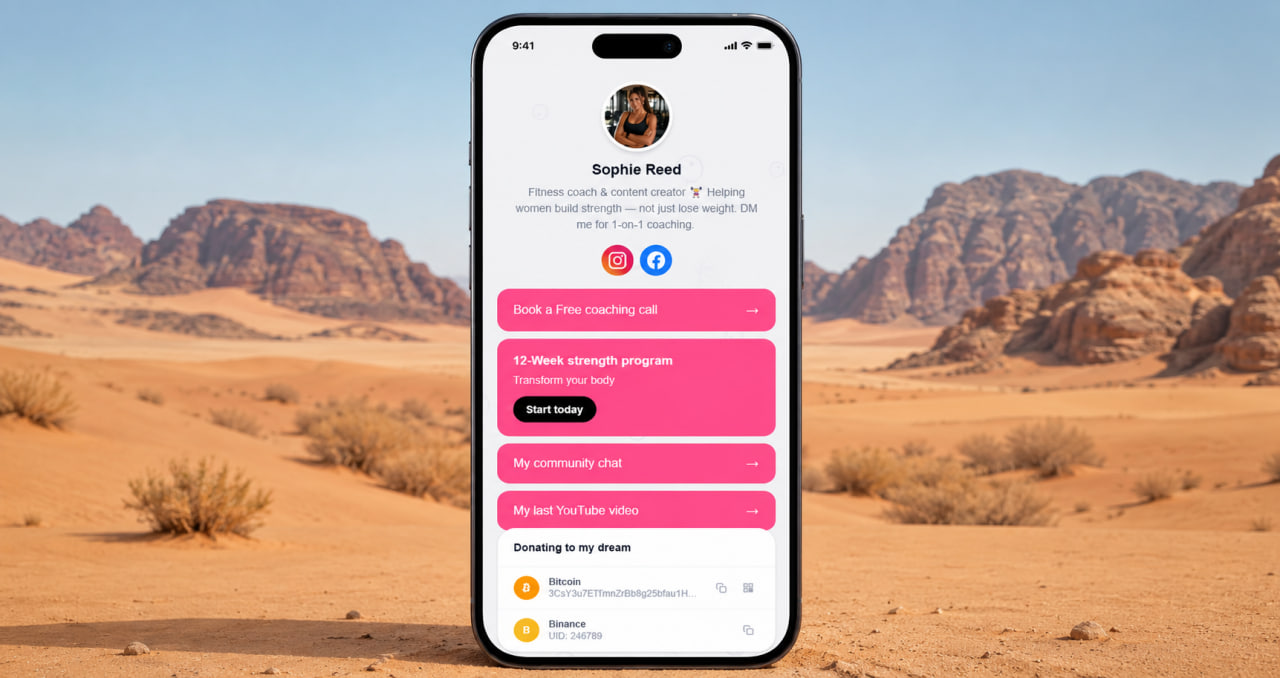
Anyone with something visual to show. Photographers, makeup artists, tattoo artists, hairstylists, florists, ceramicists, jewelers, illustrators, interior designers — these are the obvious ones. But the list is wider than that. A personal trainer whose gallery shows client transformations. A coach whose gallery shows client results. A consultant whose gallery shows case study snapshots. A restaurant whose gallery shows the dishes that made someone's reservation decision.
The rule is simple: if seeing your work would make someone more likely to hire, buy, or book — you need a gallery. Not a link to your Instagram where they might find it eventually. A gallery on the page itself, visible the moment they arrive, requiring no additional clicks to reach.
Not everyone who clicks your bio link follows you on social media. Some people arrive from Google, from a recommendation, from a shared post. For them, the gallery is the entire introduction. It has to do the work your Instagram feed would have done if they'd seen it. Make it count.
Add a gallery to your bio page — free
No credit card. Gallery included on free plan. Show your best work to everyone who clicks.
Get started free →How to build a gallery that actually converts
The order matters more than the volume. Lead with your strongest image — the one that makes someone stop and look. Not your most recent post, not your personal favourite — the image that makes a new visitor think "I want more of this." That image earns the scroll. Everything else follows from it.
Keep it curated. Ten well-chosen images outperform forty random ones every time. A gallery that shows range and quality tells a story. A gallery that shows everything you've ever done tells nothing in particular. Edit ruthlessly. The images that don't immediately strengthen the overall impression don't belong in the gallery — they dilute it.
ClickInk's gallery block lets you control which images appear and in what order. You add them, you sequence them, you update them when the work gets better. No algorithm deciding what to surface, no feed order you didn't choose. Your gallery, your curation, your first impression.
ClickInk — gallery, services, FAQ, and links in one free page
Show your work, list your services, answer questions, collect links. No ads, no watermarks. Free to start.
Try free →Gallery plus everything else
The gallery is the hook. The rest of the page is the close. A visitor who stops at your gallery and wants more needs somewhere to go next — services that explain what you offer, a FAQ that answers their questions, a booking or contact link that makes the next step obvious. ClickInk has all of these on the free plan. Gallery, services, FAQ, products, crypto block, links. 35 languages. No ads on the page. No platform branding. The gallery gets them interested. The rest of the page converts that interest into action.
Your page at click.ink/yourname
Free to start. No credit card. Gallery included from day one.
Create your page now →